
Town records shelf
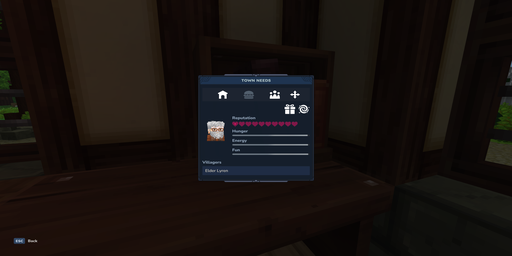
The Town Records Shelf brings together your building and town controls. The first tab shows the assigned worker. Use Teleport to me beside their name to bring them to you if they become stuck.
Open the residents tab to browse both villagers and townsfolk, with portraits, page controls and filters. Select a resident for their needs, or choose Profile for their abilities, reputation and discovered gift preferences. Gifts and friendship rewards stay hidden until discovered or unlocked.
Use the player management tab to invite members and change their town permissions. The move control lets you relocate the building. Remove anything you want to keep that was not part of its original design before moving it, including animals.
Block palettes
Open the paintbrush tab on a finished building to change its walls, roofs, wood, stone, cloth, and more. Use a Block Palette item to unlock looks for your town, then cycle each type to a look you have (or Default for the original) and hit Save. Your choices stay when you repair, rebuild, or move the building.
Building upgrades
Open Building upgrades through the building's villager or production controls. Warehouse storage also has a Building upgrades button. Select a node to see its benefit, Town Level, earlier upgrades and costs. Grey nodes with padlocks are locked. A node stands out when its prerequisites are satisfied.
Production storage upgrades remain with the plot when you move or reconstruct the building. Warehouse storage expansions belong to the town.